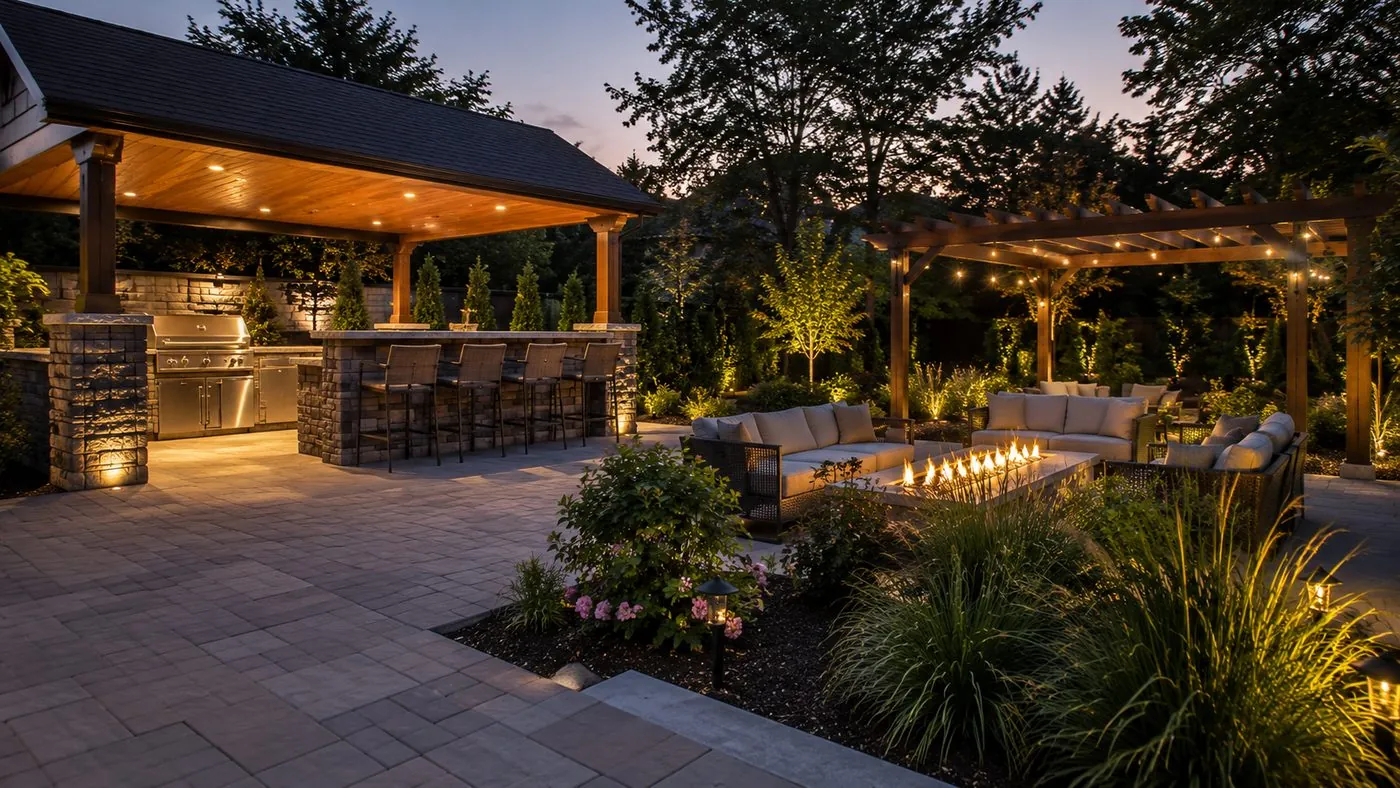
The most effective social media content for a landscaping business does not need dance moves, viral trends, or a production crew. It is time-lapse video of the work you are already doing, shot on the phone in your pocket.
A lot of green-industry owners feel pressure to keep up on social media and freeze, because the bar looks impossibly high. It is not. The strongest content strategy for landscapers is surprisingly simple, and the secret weapon is hiding in plain sight: time-lapse videos of your actual work in progress.
This kind of content takes almost no equipment, zero acting ability, and produces the sort of video that people cannot stop watching and sharing. You are not adding a marketing project to your week. You are documenting work you already do.
The most powerful social media content for a landscaping business is not created in a studio. It is captured on the job site with a basic tripod and the phone you already carry.
Why transformation video works so well
Landscaping is a transformation business. You take an overgrown, neglected, or plain outdoor space and turn it into something homeowners love. That before-and-after arc is exactly what makes great social content, yet most companies never showcase it well.
Time-lapse captures that transformation in a format built for the feed. Instead of two static photos that ask the viewer to compare them, a time-lapse shows the whole change unfold, which is a satisfying watch that holds attention from start to finish.
The psychology behind process videos
There is something deeply satisfying about watching skilled professionals transform a space through methodical work. Time-lapse taps into that by condensing hours into a few minutes that feel almost meditative to watch.
Viewers also get to see the thinking behind the work: how you approach a problem area, the sequence of your process, and the attention to detail that separates a pro result from an amateur one. That behind-the-scenes view builds trust and demonstrates expertise in a way finished photos cannot.
The gear is simpler than you think
The barrier to entry here is remarkably low. The whole kit is a basic tripod and the smartphone you already own. That is it. The result rivals expensive video productions on the metric that actually matters, which is engagement.
Your smartphone does the hard part
Modern smartphones include a built-in time-lapse mode that handles the technical side automatically. You do not need to understand frame rates, compression, or editing software. The phone manages all of it. The video quality from a current phone often beats what dedicated cameras produced a few years ago, so your clips look crisp and professional without any upgrades.
Tripod selection and setup
A basic tripod gives you the stability that smooth time-lapse needs. Look for one with adjustable legs and a secure phone mount. Stability is the whole game here, because even small movements during recording make the final video look shaky.
Position the tripod so it captures the full work area without getting in your crew's way. The best angles show the transformation clearly while including enough context for viewers to grasp the scope and complexity of the project.
What to film and how long to record
The beauty of this approach is that it folds into your existing schedule. You are not carving out separate time for content. You are documenting the job you are already on.
Pick the right projects
Not every job makes good time-lapse. Focus on projects with visible transformation: landscape installs, hardscaping, lawn renovations, and major cleanups. Those give you the clear before-and-after contrast that makes the video worth watching. Routine maintenance usually does not generate the same engagement as a dramatic install, though even a simple job can work if it shows obvious improvement or an interesting technique.
Timing and duration
Start recording before the crew begins, so you capture the true "before" state. Keep recording through the whole job, including breaks and lunch. You can always trim the dead time later. Most phone time-lapse modes condense hours of recording into minutes automatically, so a full day of work typically lands around 2 to 4 minutes of finished video, which is right for social media attention spans.
Why this doubles as proof and local presence
Time-lapse does more than entertain. It is social proof that shows your crew actually performing high-quality work, and it puts your active presence in front of homeowners in the neighborhoods you serve.
It demonstrates real work quality
Unlike staged photos or stock images, time-lapse shows real work by your real crew. Viewers see your team's professionalism, the quality of your equipment, and the care that goes into the job. That authentic documentation builds trust more effectively than any written claim, because a potential customer can see exactly what to expect, which removes uncertainty before they ever reach out.
It markets you to the right geography
Each video is location-specific marketing. When you post work from a particular neighborhood, you are showing residents nearby that you are active in their area. Tag the location so local homeowners discover it. The neighbors of your current clients often see the work and start considering you for their own property, especially once they have watched the quality firsthand.
How to post it across platforms
Different platforms favor different lengths and styles. Knowing those preferences helps you get the most reach out of every recording.
Platform-specific lengths
- Instagram and Facebook: shorter clips, roughly 30 to 60 seconds, with strong visual appeal and a clear transformation.
- TikTok: slightly longer, around 60 to 180 seconds, and it does well with trending audio or music.
- YouTube: longer-form documentation, about 3 to 5 minutes, with more detail on the project.
- LinkedIn: a more professional cut that emphasizes business expertise over pure entertainment.
Repurpose one recording into many posts
A single time-lapse can become several pieces of content. Cut a short highlight for Stories, a medium version for the feed, and a longer documentary-style edit for YouTube or your website. Add platform-appropriate captions, hashtags, and a call to action to each one. Include the project details, location, and an easy way to get in touch so viewers can become customers.
Drive engagement and track what works
Time-lapse consistently earns higher engagement than static photos or text posts. The motion grabs attention in a crowded feed and pulls people through to the end of the video, which improves your reach.
Encourage interaction
Ask a question in the caption to invite comments. Simple prompts like "What is your favorite part of this transformation?" or "Have you thought about similar work for your property?" pull responses that lift your visibility. Reply promptly and genuinely, and use those exchanges to share more about your services and turn an engaged viewer into a lead.
Measure success and lead generation
Track views, likes, comments, and shares to learn which project types and styles land best, then make more of what works. Watch for inquiries that mention a specific video, since that is clean attribution for your effort. Keep an eye on website traffic and phone calls after a big post too, so you understand the full impact beyond the platform itself.
The real competitive advantage
While competitors debate complicated strategies or wrestle with expensive ad campaigns, you can build real presence and recognition just by consistently documenting the work you already do. That authenticity resonates more than polished material that feels disconnected from the actual service.
It is also sustainable. You do not have to keep inventing creative ideas or chase every shifting trend. You document excellent work and build marketing assets at the same time. Best of all, it leans on the strength you already have. Your expertise is in landscape transformation, and time-lapse puts that expertise on display without asking you to become a content creator or influencer.
Turn your job-site footage into real lead flow
Simple content like time-lapse works even harder when it feeds a complete system: a site that converts, local search that gets you found, and follow-up that closes the loop. Let us look at how it all fits together for your company.
Want this done for you? See our Meta Ads service.
Frequently asked questions
What should landscapers film for time-lapse videos?
Pick projects with visible before-and-after transformation: landscape installs, hardscaping, lawn renovations, and major cleanups. Start recording before the crew touches the site so you capture the true before state, then run the camera through the whole job. Routine maintenance tends to get less engagement than dramatic installs.
What equipment do I need to shoot time-lapse on a job site?
The phone in your pocket and a basic tripod. Modern smartphones have a built-in time-lapse mode that handles frame rates and compression automatically, so there is no editing software to learn. Use a tripod with adjustable legs and a secure phone mount, and place it where it sees the full work area without getting in the crew's way.
How long should a landscaping time-lapse video be on each platform?
Instagram and Facebook favor 30 to 60 second clips. TikTok does well with 60 to 180 seconds, often with trending audio. YouTube suits longer 3 to 5 minute project documentation, and LinkedIn rewards a more professional, expertise-focused cut. A full day of recording usually condenses to about 2 to 4 minutes, and one recording can be repurposed into several platform-specific clips.
Does posting time-lapse videos actually generate leads?
It helps when you make the next step easy and track it. Add location tags so nearby homeowners discover the work, include clear contact details in captions, and watch for inquiries that mention a specific video. Track website visits and calls after a big post so you can see which project types drive the most response and do more of them.